
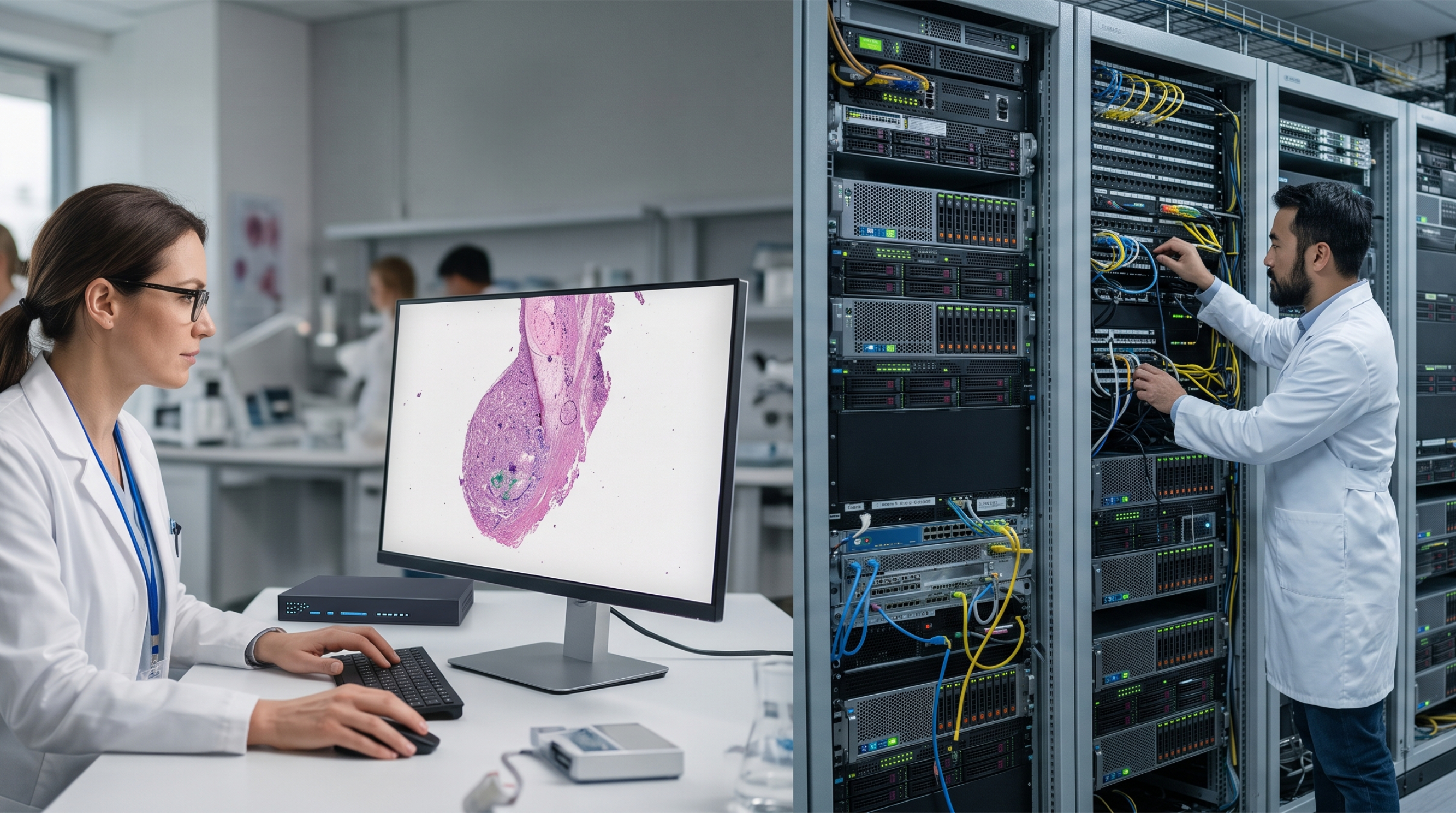
Ask ten pathology IT decision-makers whether digital pathology should live in the cloud or on-premise, and you'll get ten answers shaped by ten different constraints — case volume, existing IT infrastructure, in-house technical staff, and how their compliance team feels about where patient data physically sits. There isn't a universal right answer here, and any blog that tells you otherwise is oversimplifying a genuinely case-by-case decision. What's more useful is understanding exactly what each model trades away, so the decision matches your lab's actual situation rather than a generic best practice.
On-premise digital pathology keeps whole slide images, servers, and processing infrastructure inside your own walls. The appeal is straightforward: full control over data location, tighter data sovereignty, and low-latency performance for in-house users, since nothing has to travel over the internet to reach a local workstation.
The tradeoffs are just as real. Whole slide images are large — a single 40x scan can be comparable in data size to two hours of HD video — and building the storage and compute infrastructure to handle that volume locally means real capital cost upfront, plus the ongoing burden of maintenance, updates, and backup that falls entirely on your own IT team. Scaling up later, whether that means more storage or more remote users, typically means buying more hardware, not just flipping a switch.
Cloud-based digital pathology flips that equation: storage and compute scale elastically, updates and infrastructure maintenance are handled by the vendor, and — critically for pathology specifically — remote access becomes native rather than something bolted on. A pathologist can review a case, consult a subspecialist, or pull up an archived slide from anywhere with a connection, which is exactly the kind of collaboration digital pathology is often adopted to enable in the first place.
The honest tradeoff is that cloud means handing over some direct control — over exactly where data sits, over network dependency for day-to-day access, and, for some institutions, over how a specific compliance or IT policy needs to be satisfied contractually with a vendor rather than internally. For labs in regions or institutions with strict data residency rules, or extremely bandwidth-constrained locations, this is a genuine constraint, not just a perception problem.
In practice, a lot of the "cloud vs. on-premise" framing understates how many labs land somewhere in between — keeping active, high-frequency cases on faster local infrastructure while using the cloud for archival storage, backup, and remote collaboration. This hybrid pattern shows up across healthcare data generally, not just pathology, because it lets an institution keep tight control over its most sensitive, frequently-accessed data while still getting cloud-level scalability for everything else.
OptraSCAN's platform is built cloud-enabled by design, which matters most for the specific things pathology labs actually need scale for: remote consultation, multi-site collaboration, and elastic storage as case archives grow. IMAGEPath, its image management system, and TELEPath, its telepathology software, both operate on a cloud-ready architecture built with HIPAA compliance in mind — end-to-end encryption for data in transit, role-based access control, and audit trails covering data interactions, which are the baseline requirements any pathology data platform needs regardless of where it's physically hosted.
Because the platform is cloud-enabled rather than cloud-only, it's built to support the deployment shape a lab actually needs — a scanner and workflow that can lean on cloud storage and remote access for collaboration and archival, without requiring a lab to abandon existing local infrastructure investments to get there.
Rather than asking "cloud or on-premise" in the abstract, it's worth answering three narrower questions first:
The more this matters, the stronger the case for cloud or hybrid.
a genuine regulatory constraint, or an internal policy default that could be revisited?
do you have staff who can own server maintenance, patching, and backup indefinitely, or would that be better handled by a vendor?
The answers usually point toward a deployment model faster than the general "cloud vs. on-premise" debate ever will.

Improving diagnostic outcomes through digital workflow adoption.

Everything you need to know about digitizing histopathology workflows.
Where AI stands today and what's needed to close the gap.